v0.15 October 29 2018
Set and get name of Mothership
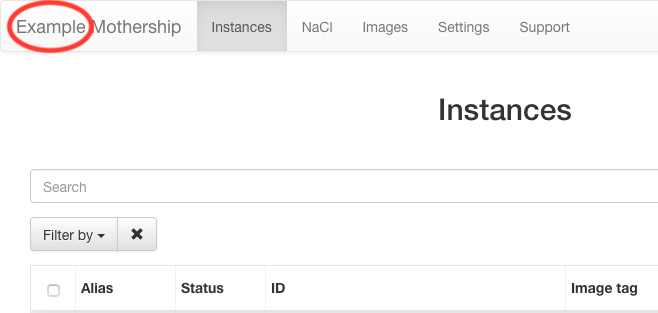
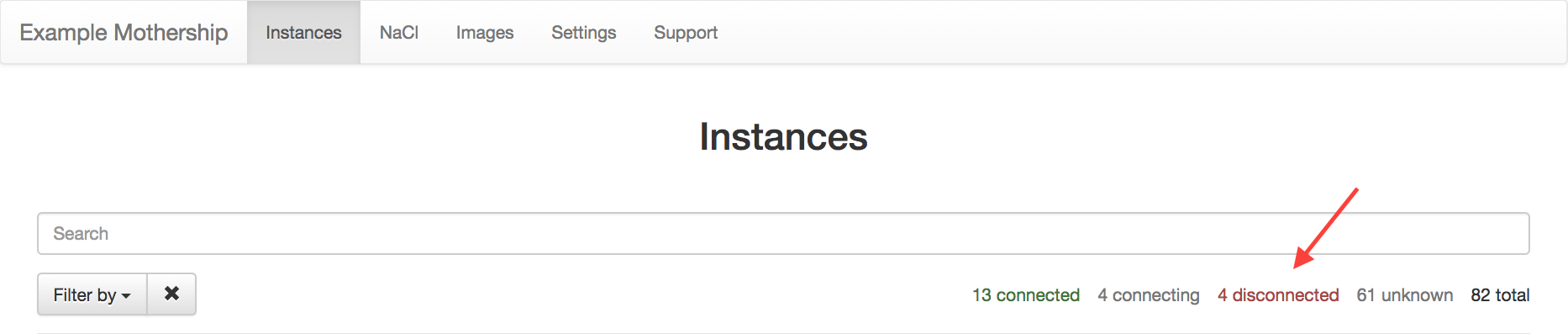
It is now possible to give Mothership a name that shows up in the GUI:
$ mothership serve --name example
This name will then be available from the
/info/nameAPI endpoint. It shows up in the Mothership GUI as such:
InfluxDB
It is now possible to send Mothership metrics and IncludeOS instance stats to InfluxDB, which enables you to query and visualize metrics and stats using standard TICK Stack components. To enable the InfluxDB integration, add
--metricsreporter influxdbwhen starting your Mothership server.Note
Before enabling metrics and stats reporting to InfluxDB, you must create the required InfluxDB databases. Mothership writes stats to a database called
instance_statsand metrics to a database calledmothership. Create these databases and set appropriate retention policies on them before you start using--metricsreporter influxdbas part of your Mothership startup command.The address and (optional) user name and password for the InfluxDB server are specified as environment variables.
The following variables can be specified:
INFLUXDB_ADDR
INFLUXDB_USERNAME
INFLUXDB_PASSWORD
If you have more than one Mothership, it is highly recommended to set the name of your Mothership using the aforementioned
--namecommand line option.Better file names when downloading images for hypervisor
When you build an image, for example an initial Starbase, and you use “Generate & download image” to download a bootable image for a specific hypervisor, the filename now includes the image tag (if set) and the IncludeOS version the image was built with.
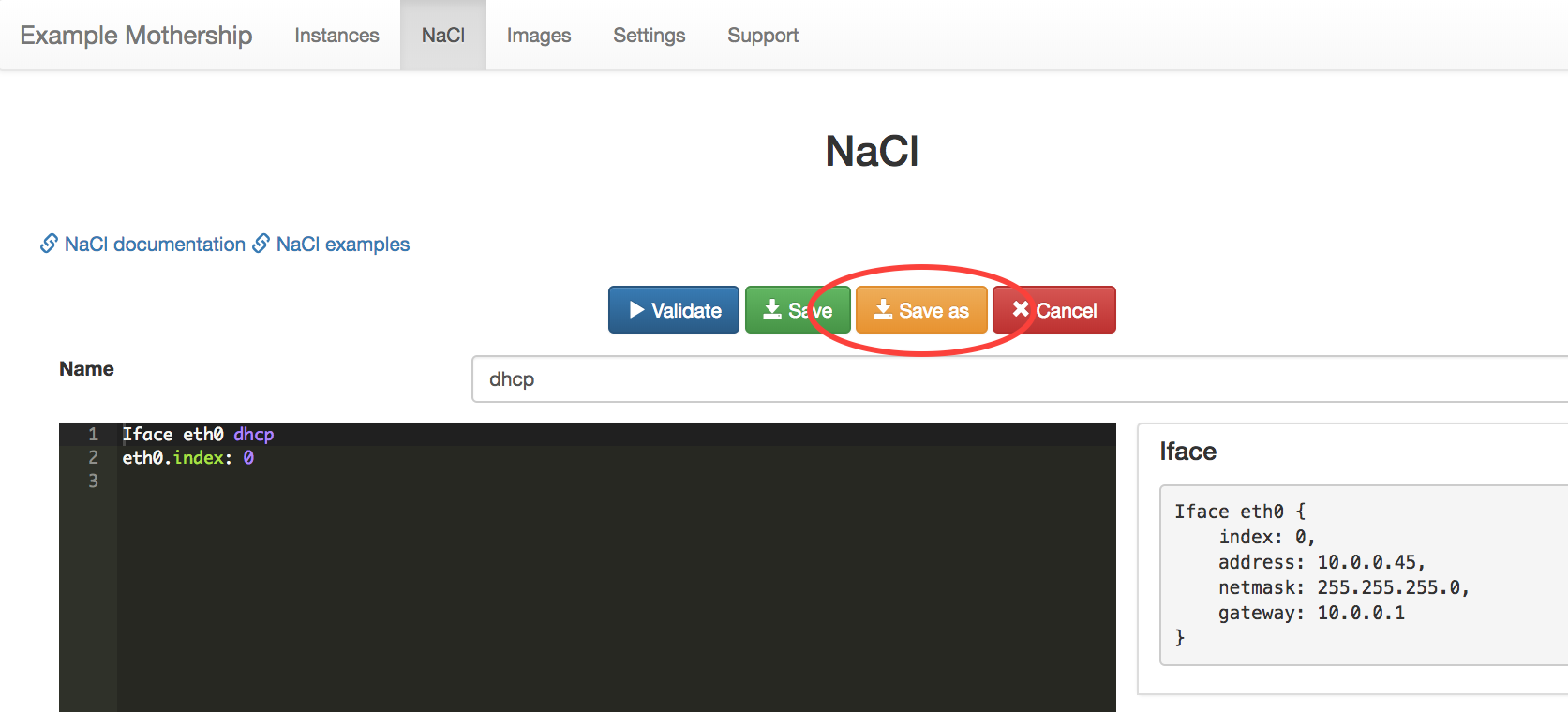
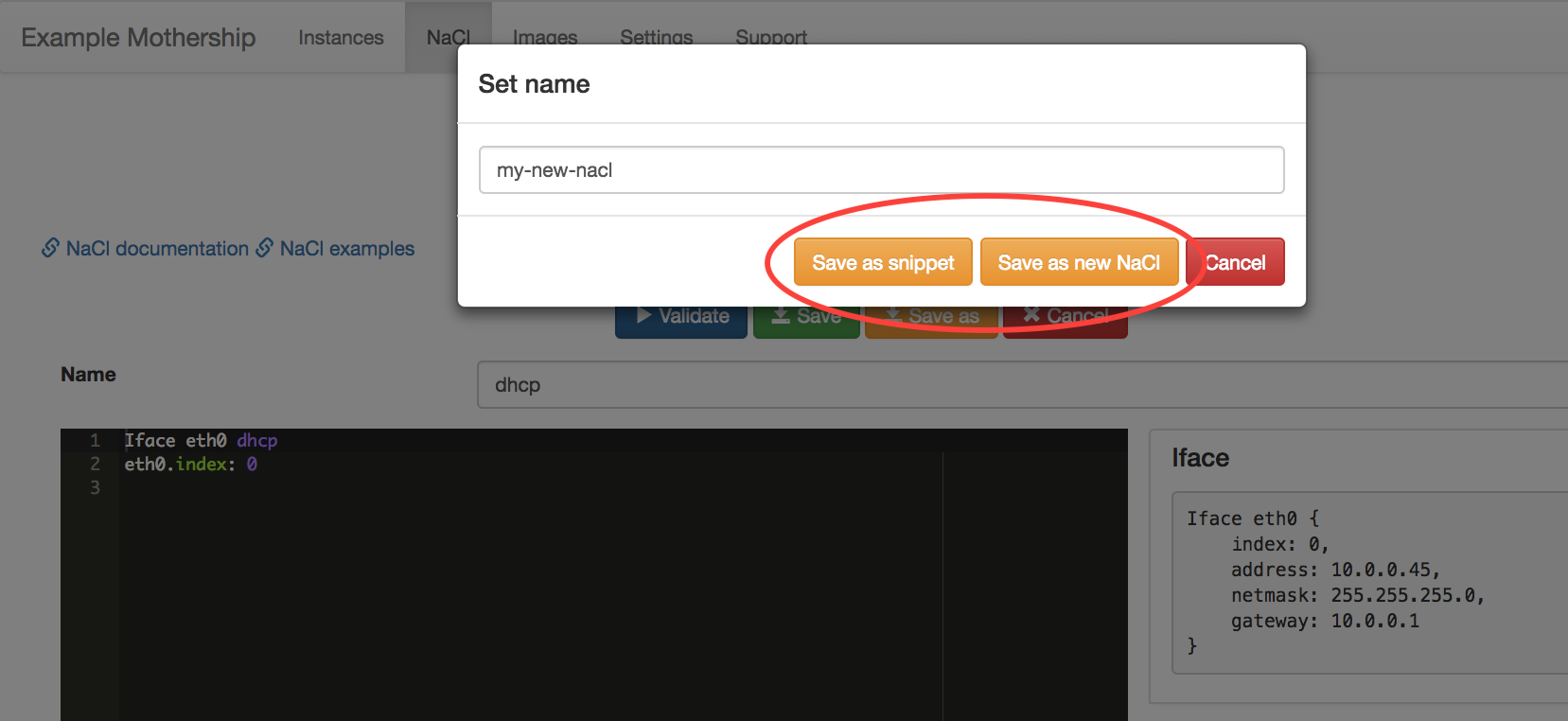
A NaCl Save as-option has been added
This is available when you are creating or editing a NaCl in the editor. It makes it possible to save the NaCl editor-content as a new NaCl or as a snippet.
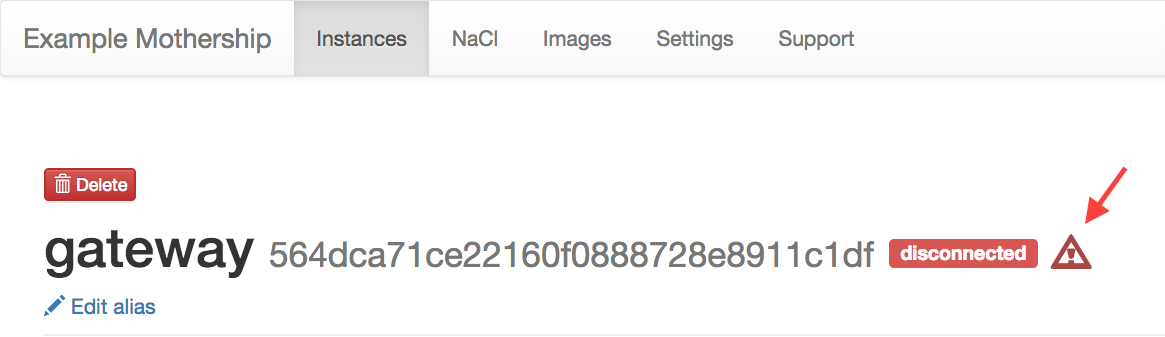
The header on the Manage instance-page has been updated
The header now shows the status of the instance (connected / disconnected / connecting / unknown). It also shows a red warning sign if the instance has panicked. The warning sign is visible immediately after the Mothership has been notified about the panic.

The statuses displayed above the list of instances on the Instances page are now updated dynamically
This means that the number of instances for every status that one of the instances have will be displayed.
Internal improvements
Internal stability and performance improvements.